
|
|
Here I will show starting screen work in Linux. Linux Screen means when you will go offline then linux screen will run your work on VPS or Dedicated Server. Open putty and Login to SSH |
Check Screen Version
Run Following Command on Putty
Example:
COMMAND
screen –versionOutput should be:

Install Screen on Centos Linux Server if so far not installed
Run Following Command on Putty
Example:
COMMAND
yum install screenInstall Screen on Debian or Ubuntu Linux Server if so far not installed
Run Following Command on Putty
Example:
COMMAND
sudo apt install screenNow, Start Screen on Linux
Run Following Command on Putty
Example:
COMMAND
screenList of Screens which are running in Linux Server
Run Following Command on Putty
Example:
COMMAND
screen -lsGo to listed Screen
Go to Listed Screen Replace id Run Following Command on Putty
Example:
COMMAND
screen -r 1643Remove or Stop running screen
To kill screen process. Just replace id from listing screen at following way. Run Following Command on Putty
Example:
COMMAND
kill -9 985647List of Command
Session Management:
screen: Start a newscreensession.screen -S <session_name>: Start a newscreensession with a specific name.screen -ls: List all runningscreensessions.screen -d <session_id>: Detach a specificscreensession.screen -r <session_id_or_name>: Reattach to a specificscreensession.screen -x: Attach to a running session if there is only one.Ctrl-a d: Detach the currentscreensession.Ctrl-a D: Power detach and logout from the currentscreensession.- `Ctrl-a Ctrl-\`: Quit
screenand terminate all windows.
Window Management within a Session:
Ctrl-a c: Create a new window (shell) within the current session.Ctrl-a w: List all windows within the current session.Ctrl-a n: Go to the next window.Ctrl-a p: Go to the previous window.Ctrl-a <number>: Go to a specific window by its number (e.g.,Ctrl-a 0for the first window).Ctrl-a Ctrl-a: Toggle between the current and previous window.Ctrl-a A: Rename the current window.Ctrl-a k: Kill (close) the current window.
Copy and Paste:
Ctrl-a [: Enter copy mode (use arrow keys to navigate, space to select text).Ctrl-a ]: Paste the copied text.
Other Useful Commands:
screen --version: Display thescreenversion.Ctrl-a ?: Display a list ofscreencommands (help).Ctrl-a H: Toggle logging of the current window to a file.Ctrl-a S: Split the window horizontally.Ctrl-a |: Split the window vertically.Ctrl-a Tab: Switch between split regions.Ctrl-a X: Close the active split region.Ctrl-a Q: Close all split regions.
Remove dead screens
To remove all killed Screens run following command at Terminal
Example:
COMMAND
screen -wipeOutput should be:
.png)
How to start screen in Linux Image Gallery
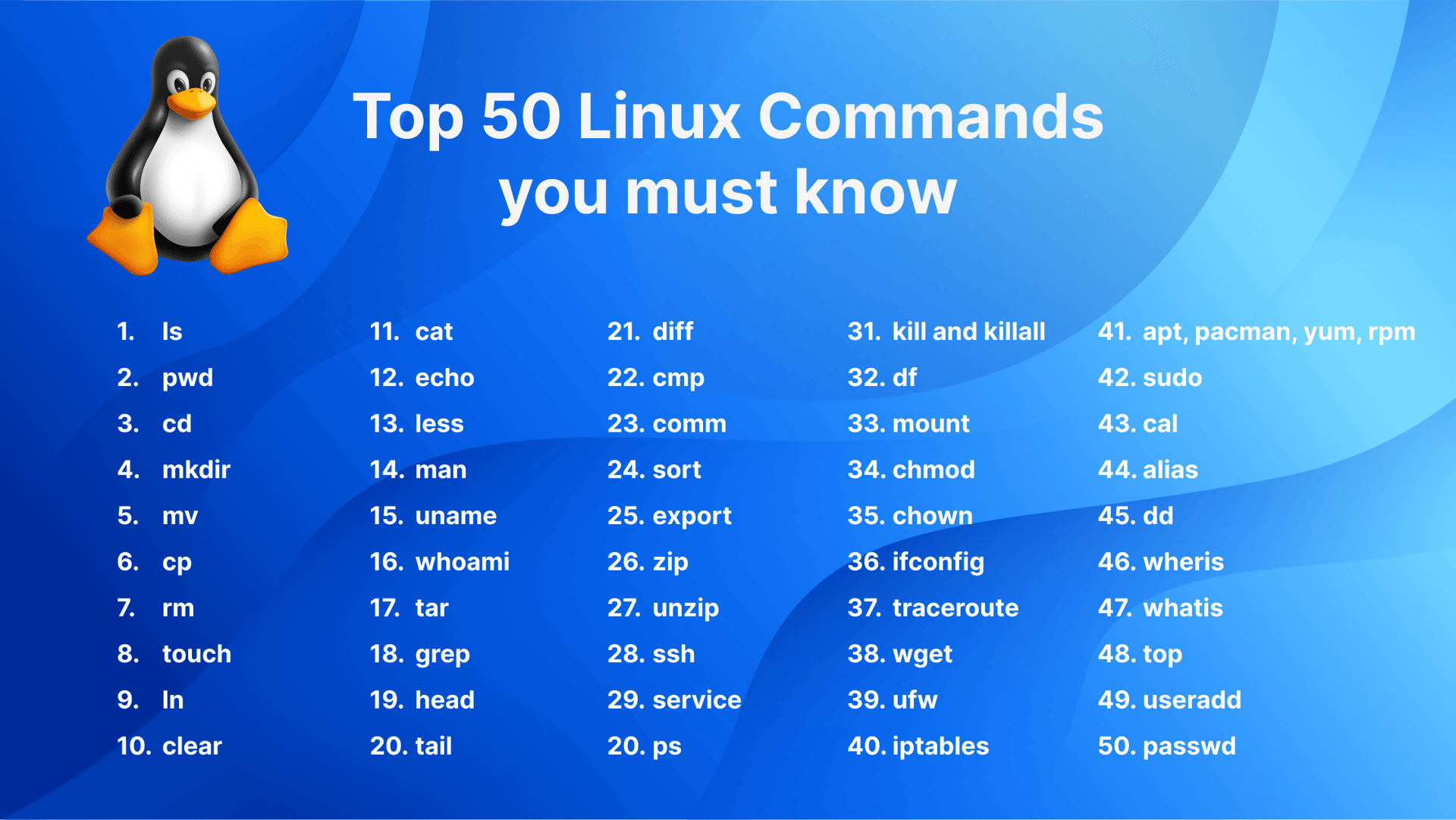
How to start screen in Linux
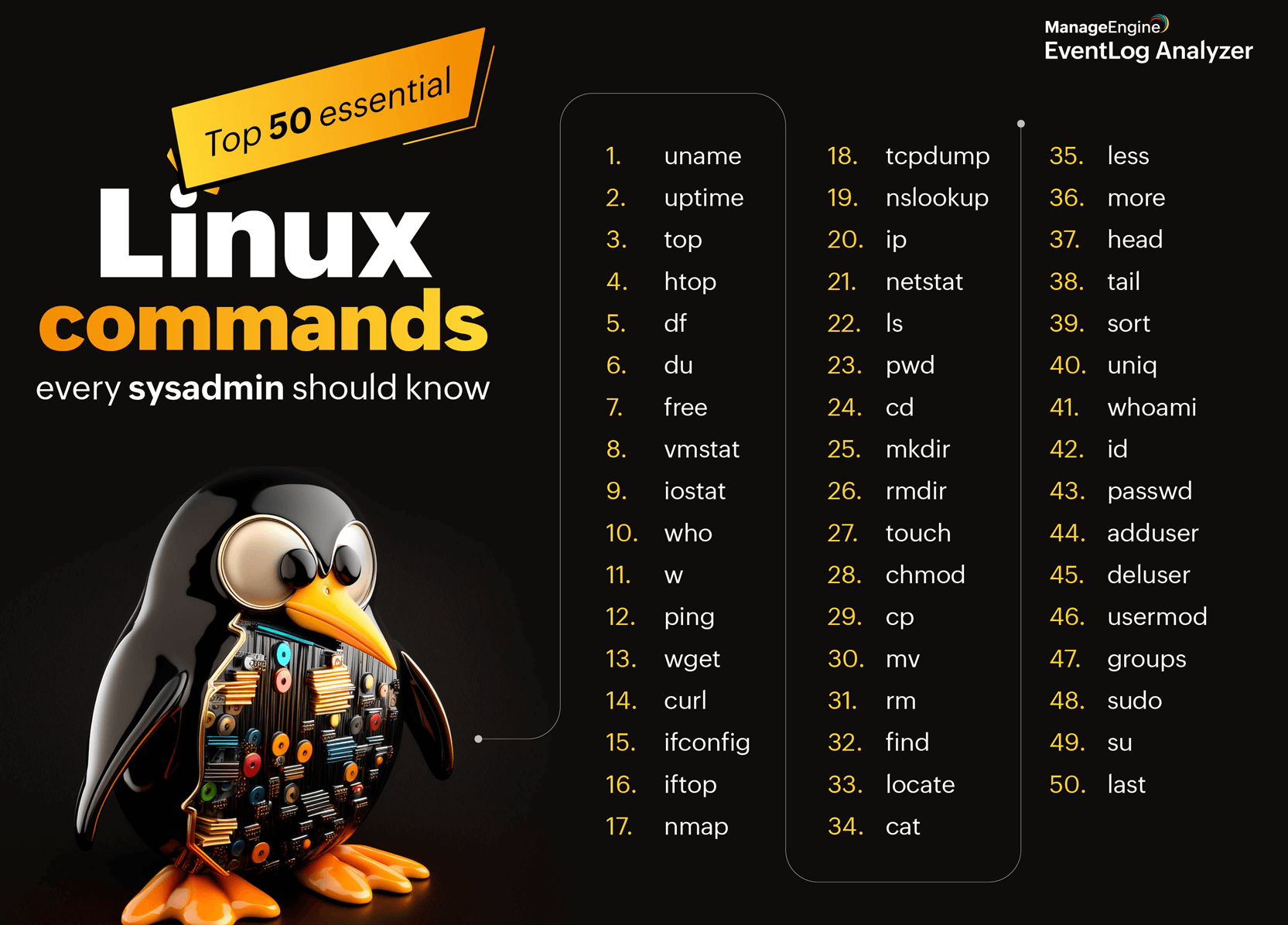
How to start screen in Linux
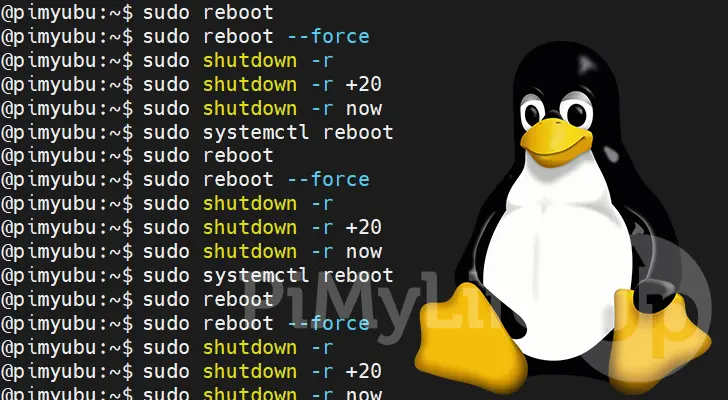
How to start screen in Linux
|
Category: | Command |
Sub Category: | Linux Screen Command |
Uploaded by: | Admin |